


Fingerprints and dust can make a car display hard to read, especially in bright sunlight. To clean car touchscreen displays without scratches or smears, use a clean, soft microfiber cloth and follow the vehicle manual before using any liquid cleaner.
A careful wipe takes little time and helps keep your display clear for navigation and long drives. The safest method depends on your vehicle, so start with its instructions and use the lightest touch possible.
Key Takeaways
- Check the owner’s manual before using a cleaner or wipe.
- Use a clean, soft microfiber cloth made for delicate screens.
- If cleaner is permitted, apply it to the cloth, not directly to the touchscreen.
- Avoid paper towels, abrasive materials, ammonia-based cleaners and excess moisture.
- Work with light pressure and a fresh, dry section of cloth to reduce smears.
Why car touchscreens develop smears and scratches
Touchscreens collect fingerprints from everyday use, along with dust from the cabin and residue transferred from hands. In Dubai, dust can settle quickly, so a screen may look dull again soon after cleaning. Wiping it with a sleeve or tissue can spread oils and leave lint behind.
Scratches are often caused by something less obvious: grit trapped between the screen and the cleaning material. Pressing hard or rubbing that grit across the display can mark the surface. A dirty cloth can cause the same problem, even if it feels soft.
Smears usually come from using too much liquid, a cloth that is already oily or damp, or a cleaner that the manufacturer hasn’t approved. One product won’t suit every vehicle. Screen surfaces and care instructions vary, so the owner’s manual should guide your choice.
Check the manual and prepare your cloth
Follow vehicle-specific instructions
Look in the owner’s manual for the infotainment screen or interior-cleaning section. Check whether it permits a damp cloth or a particular cleaner, and whether it warns against glass cleaner or alcohol-based products.
Tesla’s Cybertruck manual, for example, calls for a soft, lint-free cloth designed for monitors and displays. It also warns against cleaners such as glass cleaner and alcohol-based gel products. Those instructions apply to that vehicle, not automatically to every car. Follow your own manual if its advice differs.
Use a clean, soft microfiber cloth
Choose a cloth designed for delicate displays. It should be clean, dry and free of lint, dust and oily residue. Keep a separate cloth for the screen rather than using one that has wiped dashboard surfaces, trim or windows.
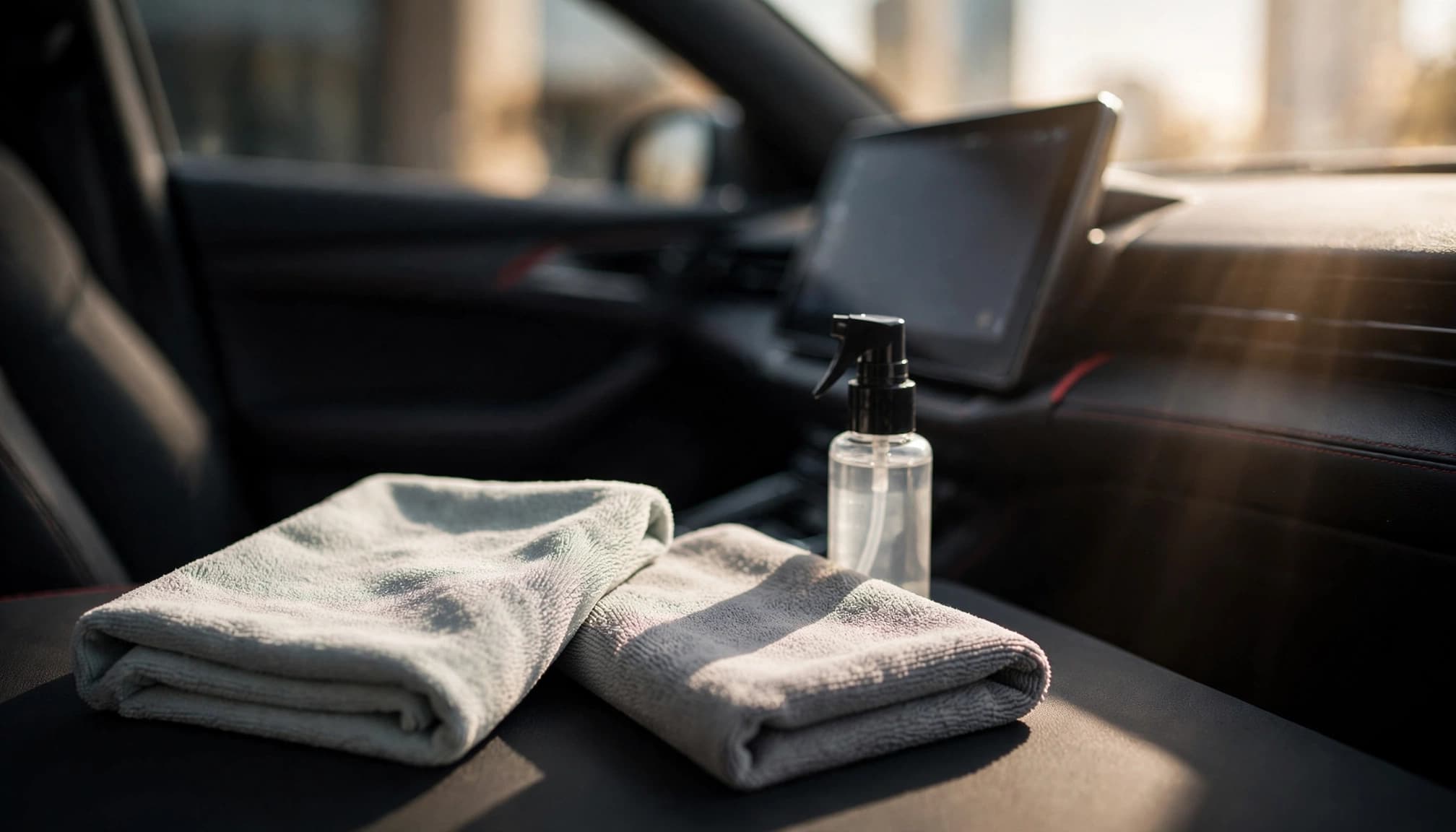
A fresh cloth matters because particles or grit trapped in the fibers can scratch the display. If the cloth has been dropped on the floor or used elsewhere in the cabin, replace it with a clean one.
How to clean car touchscreen displays safely
1. Park and switch off the display
Clean the screen only when the car is safely parked. Switch off the display or vehicle if the manual recommends it. A dark screen also makes fingerprints and streaks easier to see.
2. Lift dust with a dry cloth
Fold the microfiber cloth into a clean, flat section. Use light pressure to lift loose dust and fingerprints, moving gently across the screen. Don’t scrub or press hard, especially if you can see grit.

3. Use cleaner only when the manual allows it
If dry wiping doesn’t remove the residue and the manual permits a cleaner, use a product approved for your screen. Apply a small amount to the cloth, then wipe gently. Chemical Guys also recommends spraying the cloth instead of the screen. Avoid wetting the display directly, including around its edges and controls.
Finish with a clean, dry section of microfiber. Check the screen from a few angles and repeat with light pressure if you see remaining marks.
Choosing a cleaner without risking the screen
Check what the product is made for
Use a cleaner only if it’s suitable for the screen and allowed by the vehicle manual. A product labeled for glass or household surfaces isn’t automatically appropriate for an automotive display. The Tesla manual’s restrictions show why vehicle-specific instructions matter.
Chemical Guys recommends a screen-safe cleaner and applying it to the cloth. Car and Driver’s screen-cleaner advice describes applying cleaner to the screen, which differs from that cloth-first approach and may conflict with some manuals. Follow your vehicle’s directions, and avoid spraying the screen unless the manufacturer explicitly permits it.
Keep liquid away from openings
Use only enough cleaner to lightly dampen the cloth, if permitted. The fabric shouldn’t drip or leave wet trails. Excess moisture can collect around screen edges, buttons or nearby openings.
If you aren’t sure whether a product is approved, use a dry microfiber cloth and consult the manual or vehicle manufacturer before adding liquid. A cautious dry wipe is preferable to testing an unknown cleaner on the display.
What to avoid when cleaning the display
Some common cleaning materials can leave marks or expose the screen to products its manufacturer doesn’t recommend. Keep these away from the display:
- Paper towels and tissues: They can shed lint, and their texture is less suitable than a soft screen cloth.
- Abrasive pads or rough fabric: These can scratch the surface, especially when dust or grit is present.
- Ammonia-based cleaners: Don’t use glass cleaners with ammonia on the touchscreen.
- Excess moisture: Liquid can run into screen edges or nearby controls.
- Hard scrubbing: Pressure won’t make the screen safer to clean and can drag particles across it.
- Dirty cloths: Dust, grit, polish and dashboard residue can transfer onto the display.
Avoid household disinfectant wipes, too, unless the vehicle manual specifically approves them. Their ingredients and moisture level may not suit your screen.
Preventing streaks and scratches between cleanings
Keep the cloth clean and dry
Store a dedicated microfiber cloth in a clean pouch or compartment. Before using it, check that it’s free of visible dust and residue. Launder it according to its care instructions, and don’t add fabric softener if the cloth manufacturer advises against it.
For a light fingerprint, use a fresh section of the cloth and gentle strokes. If marks remain, don’t increase pressure. Check whether the cloth is clean and review the manual’s guidance on approved cleaners.
Reduce fingerprints and cabin dust
Touch the screen with clean hands when possible, and avoid placing food, drinks or dusty items near the display. During a long drive, clean only when parked, never while navigating traffic or interacting with the screen.
A quick, gentle wipe before setting off can improve visibility without turning screen care into a lengthy task. Keep the cloth accessible, but covered, so it doesn’t collect dust between uses.
FAQ: Cleaning a car touchscreen
Can I use glass cleaner on my car screen?
Only if your vehicle’s manual permits it. Some manufacturers warn against glass cleaners, including Tesla’s Cybertruck manual. Don’t assume a cleaner is safe because it works on a household window.
Can I use a glasses cloth?
A clean, soft microfiber cloth made for delicate displays may be suitable, but check the vehicle manual first. Don’t use a cloth that has collected grit, oils or cleaning-product residue.
What should I do if the screen still looks streaky?
Use a clean, dry section of microfiber and wipe gently. If the streaks remain, review your manual before applying a screen-safe cleaner to the cloth. Don’t spray the display or add more liquid without checking the instructions.
How often should I clean the touchscreen?
Clean it when fingerprints or dust affect visibility. There’s no need to rub the display on a fixed schedule. A light wipe with a clean cloth is usually the best first step.
Keep the touchscreen clear with a gentle routine
A clean display starts with the right cloth and the right instructions. Check your owner’s manual, remove dust with soft microfiber, and use only a cleaner approved for your vehicle.
Light pressure and controlled moisture help prevent smears, while a clean cloth reduces the chance of scratches. A few careful steps keep the screen clearer for the next journey.

Sammie O is the owner of Bud Car Wash, a 24 hour hand car wash and detailing shop at Shop #7, 44, 22nd Street, Ras Al Khor Industrial Area 2, Dubai. He writes the car care guides on this site based on work done in his own bay.
View All Articles
